
Choose the right specification
Define role-based requirements for mobility, applications, performance, accessibility and peripherals.

Buy for the work. Plan for the whole lifecycle.
IT procurement is the process of selecting and acquiring technology against a business requirement.
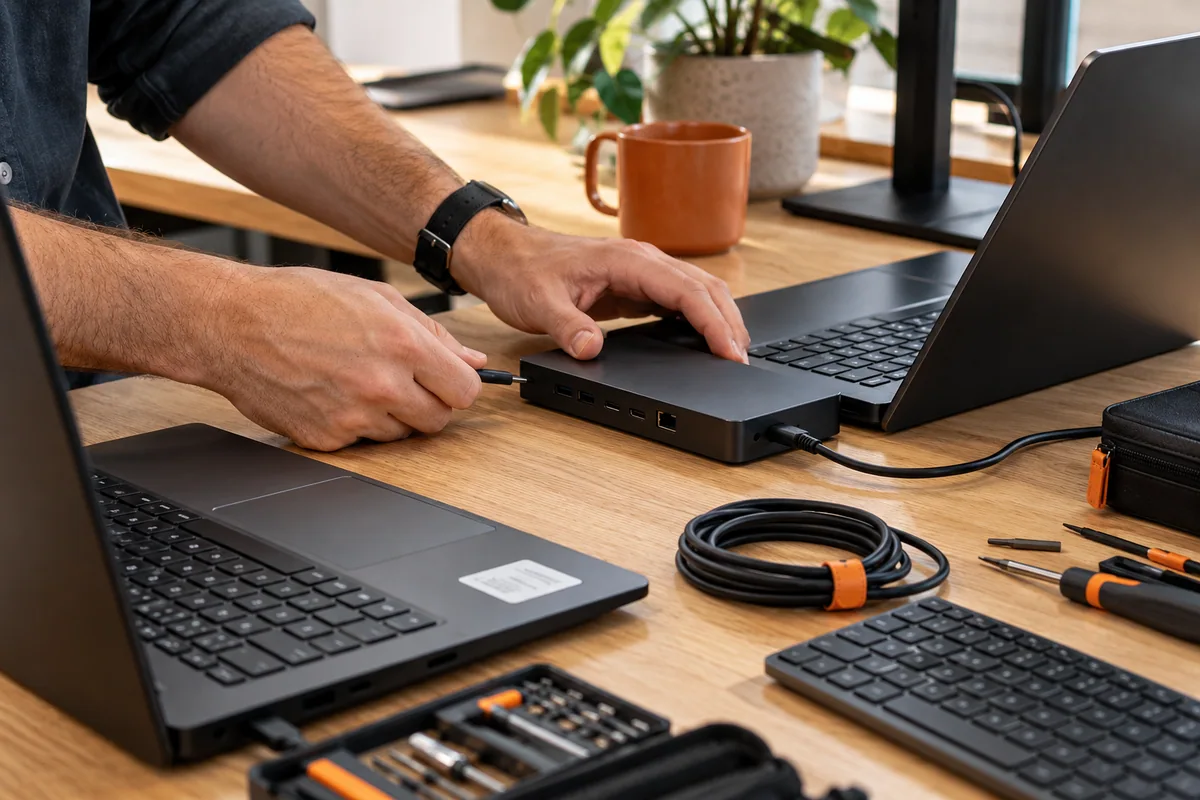
Empire selects, supplies and prepares technology around the work your people do. We compare suitable devices and warranty options, coordinate deployment and maintain lifecycle records. Your purchasing decision includes the equipment, setup and replacement needs, rather than a model number alone.
Meet the people.
Hear the experience.
Inspect the evidence.
For this engagement, we agree the scope and evidence for role-based device standards and comparable procurement options. Your proposal identifies responsibilities, dependencies and acceptance criteria before work begins.
Agree the priorities, the responsibilities and the evidence of completion before the work begins.
Define role-based requirements for mobility, applications, performance, accessibility and peripherals.
Plan enrolment, software, access, asset records and user handover alongside the purchase.
Review warranty, operating-system support, failure patterns and data handling before retirement.
The laptop, software, accessories and account setup are ordered as separate tasks.
We build a role-based equipment list and coordinate purchasing, preparation, enrolment and a working handover.
What changesA clear checklist connecting the purchase to the employee’s first working day.
Some computers struggle with daily work while others remain suitable, but the replacement budget treats them alike.
We review workload, condition, warranty and software support, then sequence replacements by need.
What changesA phased refresh forecast with a reason behind each recommendation.
We check application requirements, mobility, performance, peripherals and repair options before comparing suitable equipment.
We coordinate delivery, configuration, data transfer and user checks, recording ownership and warranty details.
We maintain lifecycle recommendations and handle the selected data-removal and retirement steps with a record of the outcome.
A few questions. A relevant shortlist and a brief you can take into a conversation.
Useful results. No form required.We scope the work around your environment and priorities. Our proposal sets out what we deliver, what sits outside the service and who owns each ongoing responsibility.
Compare proposals on the same basisSeparate discovery, implementation, licences and ongoing service. Confirm support hours, third-party dependencies, acceptance criteria and any work quoted separately.
Discuss the required specifications and commercial arrangements. Compatibility, warranty responsibility and support ownership should be clear regardless of who supplies the equipment.
No. Support status, workload suitability, condition and operational risk matter alongside age. Use a lifecycle assessment to prioritise.
Only if it is stated in the quote. Compare equipment, preparation, migration, onsite work and ongoing support as separate scope lines.
Bring a question, a brief or a plan that needs a second look. We’ll help define the right starting point.
1300 754 718

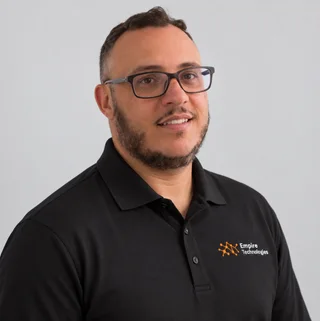
 Real people.
Existing client? Get support here.
Active security incident? Call and confirm available assistance.
Tell us who you are. We’ll help you work out the next step.